Wang APC – Getting It Working
I’ve had an ever-changing collection of vintage computers for quite some time. One of the more unusual machines in the collection is a Wang APC, or Advanced Professional Computer, which I acquired as part of a bulk lot of computers bought off Trade Me.
The APC was introduced by Wang Laboratories in the mid-1980s as a more powerful successor to the earlier Wang Professional Computer. It was built around Intel’s 80286 processor and was aimed mainly at business users, competing with machines such as the IBM PC AT. Although it could run some standard PC software, it’s not fully “IBM” compatable, it also retained a number of Wang-specific components and design choices, which can make these systems a little harder to repair today.
There isn’t a huge amount of detailed information about the APC online, but some useful background can be found in the Wang Laboratories history. There is also a useful Vintage Computer Federation discussion about the Wang APC with information from other owners.
The first Wang
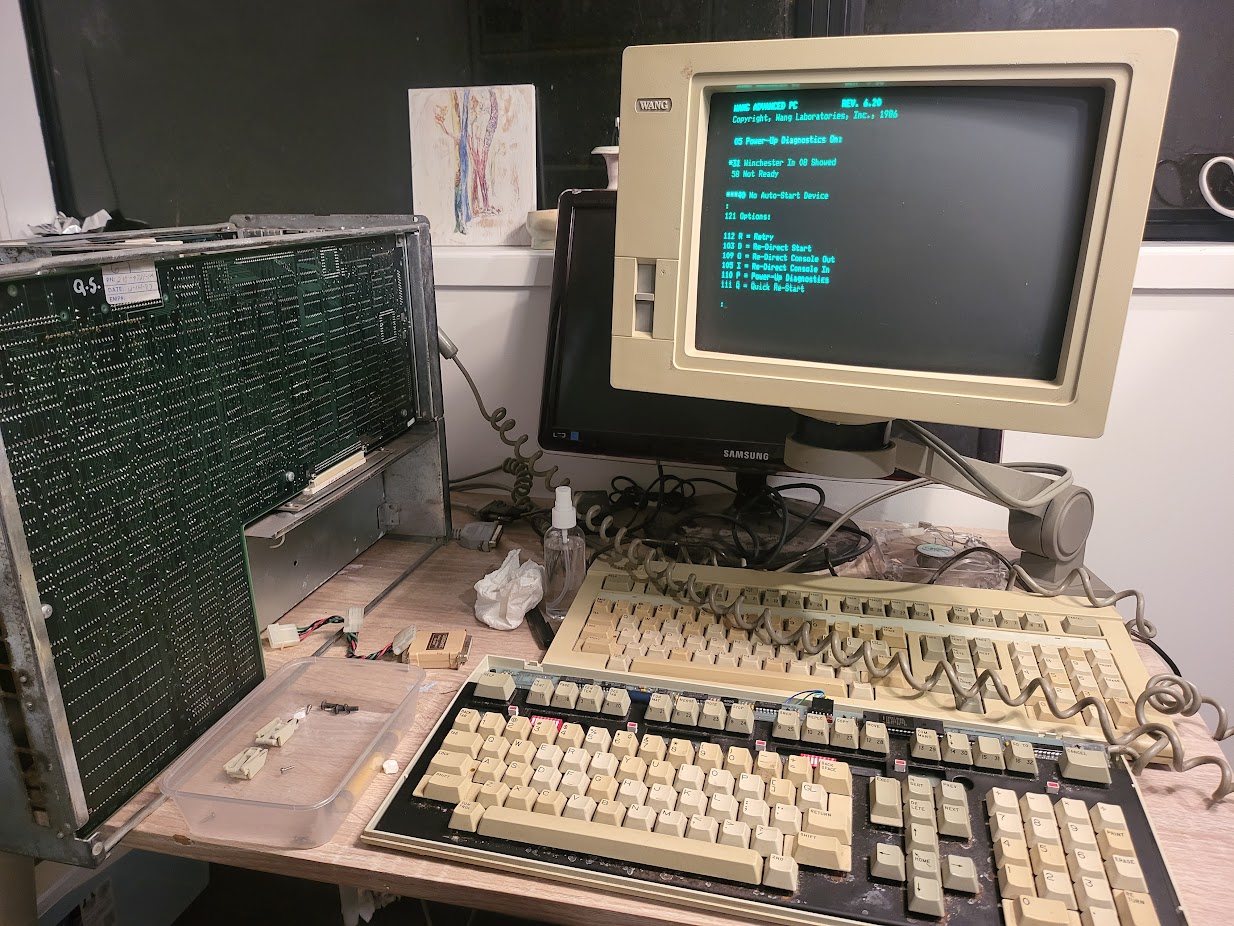
After testing several of the computers from the Trade Me lot, I eventually got to the Wang. Unfortunately, it showed no signs of life apart from the AC-powered fan in the power supply.
This at least confirmed that mains power was reaching the PSU, but there were no beeps, keyboard error codes or signs that the system itself was starting.
A few things I tried:
- Reseating the RAM, expansion boards and internal connectors
- Cleaning dirt and dust from the boards
- Checking for visibly damaged components
- Recapping the low-voltage side of the power supply, as I already had capacitors with the correct values
Unfortunately, none of this made any difference. With no spare parts and very little documentation available, the Wang went back onto the shelf to be dealt with later.
Finding a second machine
Around two years later, I saw a post in a local vintage computer Facebook group from someone offering a semi-working Wang APC, complete with its original monitor.
I jumped at the opportunity and bought it.
The second Wang still wouldn’t boot properly, but it was showing error codes on the keyboard and producing a series of beeps. Compared with the completely lifeless first machine, this was a very promising sign. There was clearly some life in it.
Combining the two systems
With two machines available, I could finally begin troubleshooting by swapping components between them.
I tested different combinations of:
- RAM boards
- System boards
- Power-supply sections
- Internal connectors and cables
This made it possible to narrow down which components were working and which ones were likely faulty.
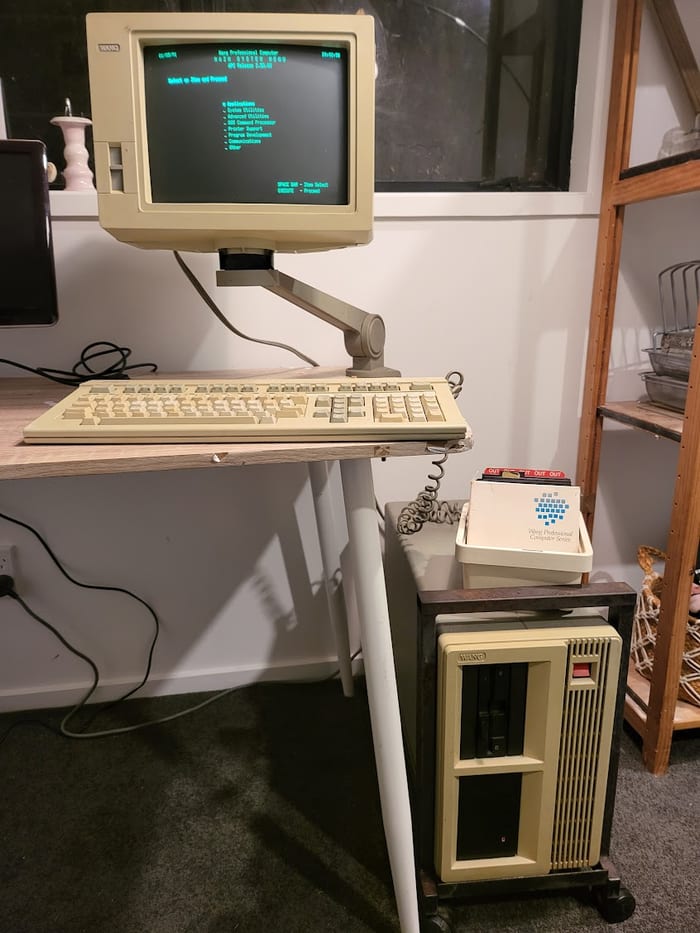
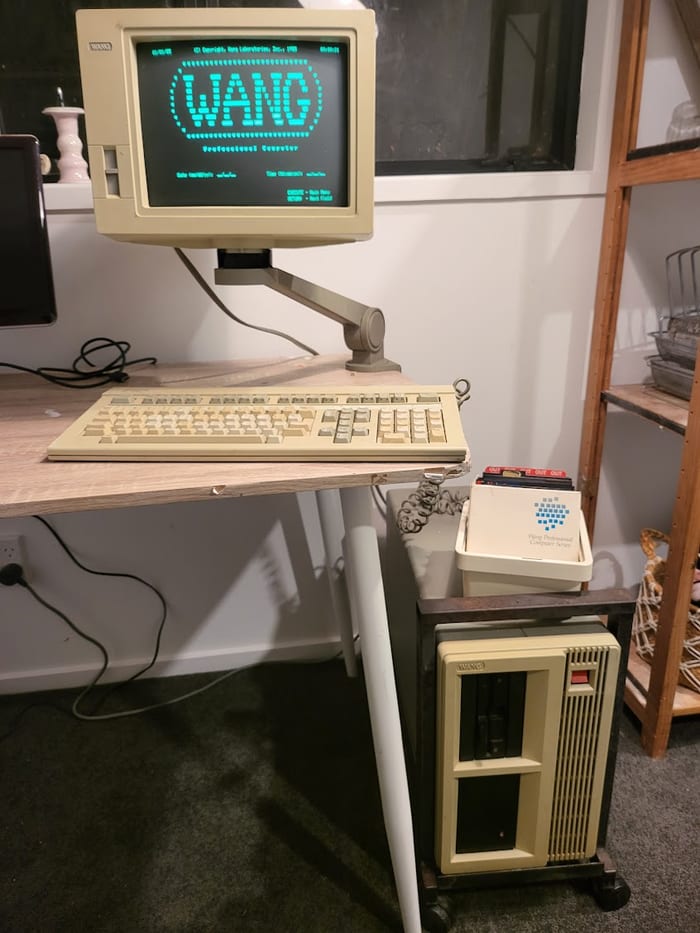
After swapping parts between the two systems, I eventually assembled one complete, working Wang APC. The final configuration used the RAM and high-voltage power-supply board from my original Wang, together with the remaining parts from the second machine.
For the first time since I acquired it, I had a Wang APC that would power up and operate properly.
Conclusion
This ended up being a good example of why spare machines and parts are so useful when working with uncommon vintage computers. Without the second APC, it would have been much harder to identify which parts of the original machine were still usable.
There is still more I would like to investigate; try to find more software in various archive niches on the web, I would love to find the IBM emulation board to be able to run IBM compatible software that doesn’t work natively on the Wang - there do appear to be some floating around, but for now it is satisfying to have one complete and working Wang APC.